NYC storefront door will not lock at closing: next steps
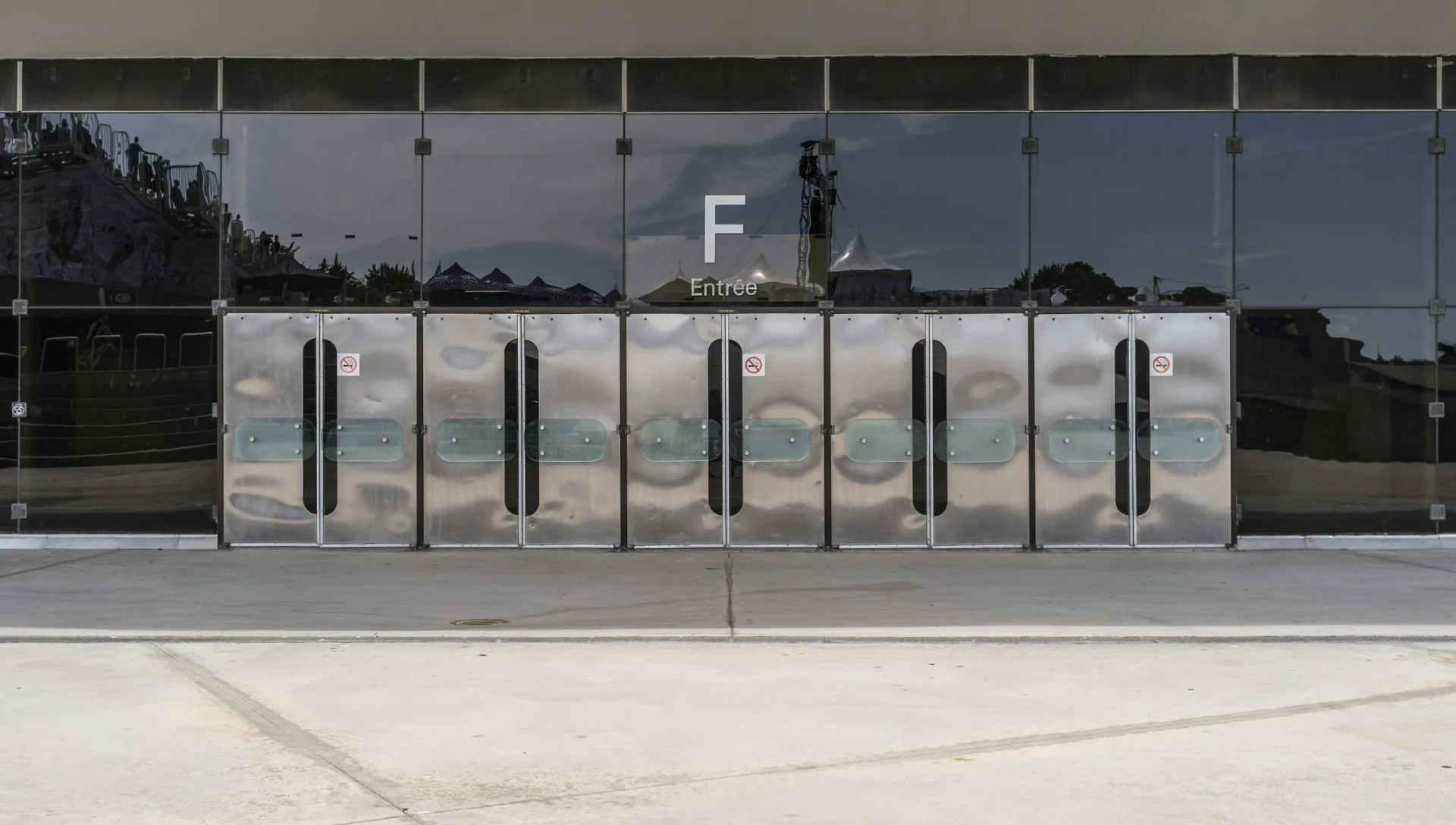
If your storefront door will not lock at closing, keep the exit usable, stop forcing the hardware, and contact the person authorized to arrange repairs. Describe exactly what fails before requesting service. A door that will not close, a key that will not turn, and an electronic door that will not secure need different assessments. None automatically proves that the entire lock needs replacement.
If someone cannot get out, or there is an immediate threat, call 911. For a door that remains accessible but cannot be secured, use the steps below to organize a repair without creating a second problem.
Keep people able to leave
Closing time does not mean the building is empty. Cleaners, delivery staff and employees finishing paperwork may still need the door. Do not wrap a chain around the handles, wedge the exit shut or add an improvised fastening while anyone depends on it to leave.
NYC Fire Code section 1027 requires required exit routes to remain clear and available for emergency use. Its maintenance provisions also cover the condition of door hardware. A security workaround must preserve those obligations. FDNY's published fire code legislation, section 1027.
Tell the manager both facts: whether people can exit normally and whether the storefront can be secured against entry. Do not describe the door as simply “broken.” Those two answers help the manager understand the urgency.
Do not send a lone employee to guard an unsafe doorway. The authorized manager should decide how to handle staffing, business operations and property protection while help is arranged. If you cannot maintain safe conditions, stop using the affected area and follow the building's emergency procedures.
Record the symptom without taking anything apart
Watch one ordinary closing attempt from a safe position. Keep your hands clear of the door edge. Stop if the glass is damaged, the door appears unstable, or operation requires unusual force. Do not repeat a failed movement to prove that it failed.
Use this table to describe what you already observed. It is a dispatch aid, not a diagnosis.
| What happens | What to report | What to avoid |
|---|---|---|
| Door stops before reaching the frame | Where it stops; whether you see an obstruction or rubbing | Lifting, kicking or forcing the door into place |
| Door reaches the frame but swings back open | Whether it catches at all; when this started | Taping a latch or fastening the exit shut |
| Usual key enters but will not turn normally | Whether another authorized key has the same symptom | Pliers, bending the key or repeated hard turns |
| Key turns but the door does not secure | What the handle and door actually do after normal operation | Assuming the cylinder alone is responsible |
| Card reader or keypad responds, but the door stays unsecured | Indicator message or sound; whether other authorized users see it | Opening a control box or changing wiring |
| Door scrapes, sags or has damaged glass | Visible damage and whether it moves safely | Testing it again or attempting an adjustment |
For an electronic opening, include any known outage or recent access-system work. Do not restart equipment unless the responsible provider gives instructions for that exact system and confirms how exit operation will be protected.
Manufacturer guidance supports treating the whole opening as part of the assessment. Adams Rite explains that pressure on an electric strike can affect its operation, including conditions associated with building air pressure. An electronic symptom therefore does not establish that a key cylinder has failed. Adams Rite's explanation of preload.
Reach the person who can approve the right work
Call the owner, store manager or building contact named in your closing procedure. If the storefront is leased, find out who controls this entrance and who can approve alterations. Having a key does not necessarily give an employee authority to change the hardware.
Ask whether the door has an existing service arrangement. A building access provider may need to participate when the problem involves credentials or controls. A damaged glass door may require a door or glazing contractor as well as someone qualified to assess the lock. Give each provider the same symptom description so the job does not start from conflicting assumptions.
If you are arranging a locksmith visit, say that it is a commercial storefront. Identify a push bar, card reader or other visible equipment if present. You do not need to identify a model by guessing. Our guide to commercial and residential lockout differences provides background on why the type of opening matters.
Avoid sending several providers simultaneously unless the manager intends to pay for multiple visits. Confirm whether an inquiry has become an accepted service appointment, who is expected to arrive, and how to cancel if the existing building contractor takes over.
Use this closing-time service request
Copy the following into the manager's incident note or a private message to the chosen provider. Leave unknown answers as “unknown.” Do not fill them with a diagnosis borrowed from an online video.
We need an assessment of a storefront entrance that will not secure. The address and specific entrance are: ____. The observed failure is: ____. People can/cannot exit normally. The door is/is not visibly damaged. The problem began: ____. The visible hardware or access-system brand is: ____. Our authorized contact is: ____. Please confirm whether you handle this opening, the visit or diagnostic charge, and who will attend. Get approval before additional work.
Include a photograph of the full door and a close view of visible hardware if you can take them safely. Keep key cuts, access codes, alarm details, people and sensitive business information out of the images. Send them privately to the provider you selected.
The incident note should also record who has been notified, the agreed waiting arrangement and the next update time. That makes a shift handoff possible without asking the departing employee to remain the only person who understands the problem.
Agree on the assessment before approving replacement
Before work starts, verify the actual technician's credentials and confirm the company responsible for the invoice. Use the locksmith verification checklist to prepare those checks.
Ask for the visit charge and the assessment scope in writing. If repair options become clear only after inspection, ask for a written estimate then. It should distinguish the proposed work, parts, labor and any applicable additional charges. Agree that changes need your approval.
A low advertised starting price can turn into an expensive visit when the technician adds work that was never discussed. The useful protection is a clear approval point: “Please explain the finding and price before replacing any part.” A photograph of a lock does not settle whether replacement is necessary.
Ask what evidence supports the proposed repair and whether the existing hardware can be retained. If the fault belongs to a building access system or a separate door component, ask who needs to handle it. You may need coordination between trades; you do not need to approve an unrelated lock replacement to keep the conversation moving.
Make the handoff useful for tomorrow's opening
Before the technician leaves, have the authorized manager observe normal operation from both sides with safe access maintained. Confirm that the repair allows the intended outside security and inside exit operation. Ask the professional to demonstrate the result and explain any limitation.
Record the work performed, installed parts, invoice and follow-up contact. If the repair is temporary, get the remaining work and its urgency in writing. Do not let “working for now” become an undocumented instruction to use extra force every night.
Tell the opening shift about any approved change in normal operation. Keep keys and access credentials within the business's handoff process. If the same symptom returns, that written record lets the next provider start with the earlier finding rather than charge you to rediscover the history.
FAQ
Should I call a locksmith if the key still turns?
Possibly. A turning key does not establish that the door secures. Explain what the door does after the turn. The provider should confirm whether it can assess the whole opening or needs the building's door or access contractor involved.
Can we chain the handles just for tonight?
Do not improvise a fastening that could prevent someone from leaving. The manager needs a plan that preserves required exit access and accounts for anyone still inside. Ask a qualified professional about suitable temporary protection for the particular premises.
Can the visit wait until morning?
That depends on whether the premises can remain safe and appropriately protected. The authorized manager must assess those conditions. A door that fails to secure should not be left unattended based only on a remote reassurance that it is probably fine.
Does an alarm make the failed lock acceptable?
An alarm response and a door's physical condition are separate issues. Report both to the manager and relevant providers. Do not assume a working alarm resolves a door that cannot secure or a problem with people getting out.
For a storefront assessment, review LockAtlas’s commercial locksmith service for NYC storefronts and include your symptom note when requesting help. Confirm the provider's availability, scope and charges before authorizing a visit.
Commercial entrance doors in Montreal. Illustrative stock photograph.
Photo: Vladimir Mokry · Unsplash license


Need a Locksmith in NYC?
Use the LockAtlas app to describe the work, review the price breakdown and check your booking details.
Download the App